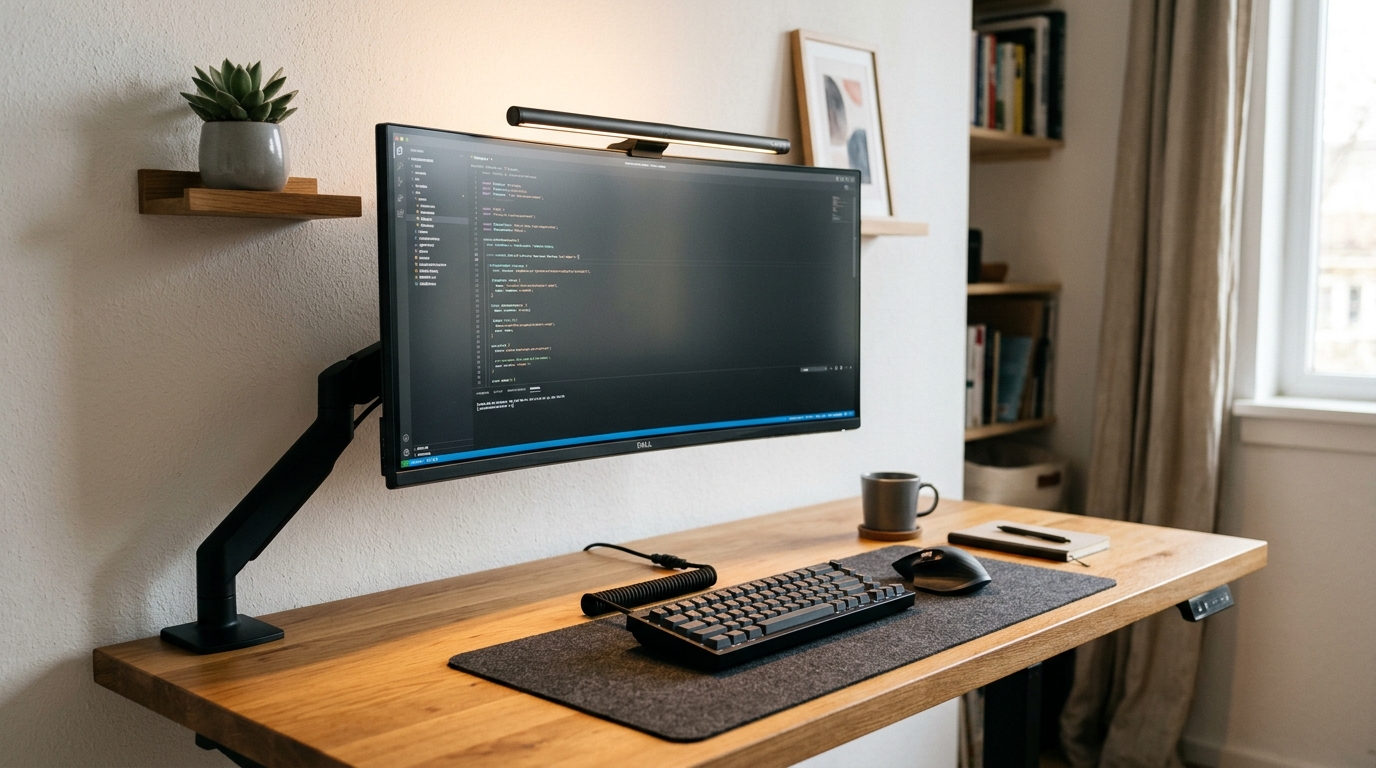
We have all experienced it: sitting down to do meaningful work, only to be drained by a chaotic tangle of charging cords, harsh screen glare, and an aching neck by mid-afternoon. In 2026, the modern desk setup is no longer just a flat piece of furniture—it is a calibrated personal productivity cockpit designed to sustain deep focus and eliminate physical friction.
Every visible object on your desk claims a fraction of your subconscious attention. By removing physical friction—glare, acoustic clatter, and cable clutter—you protect your cognitive bandwidth for high-value creative work.
1. The Magnetic Under-Desk Cable Spine (Zero-Wire Illusion)
The single biggest destroyer of workspace focus is the chaotic cable jungle spilling beneath the display. Traditional zip-ties make cable replacement agonizing and create permanent wire tangles.
By mounting a heavy-duty surge strip flush underneath the desk rear and using modular magnetic cable raceways, only one single braided power lead ever leaves the workstation to reach the wall outlet. Everything else—monitors, laptop chargers, dock cords, and desk lighting—vanishes cleanly into the undercarriage.
2. Dual-Surface Wool Felt & Vegan Leather Desk Mats
A bare desk surface reflects sound, scratches easily under peripheral movement, and amplifies the clatter of keyboards and mouse clicks.
A wide 90cm × 40cm desk pad acts as a visual anchor that clearly defines your focal zone. Textured natural wool felt or waterproof microfiber vegan leather softens acoustic reverberation, absorbs palm perspiration, and provides a continuous gliding surface for both optical and laser mouse sensors without catching edge lip.
3. Asymmetric Monitor Light Bars (Farewell Screen Glare)
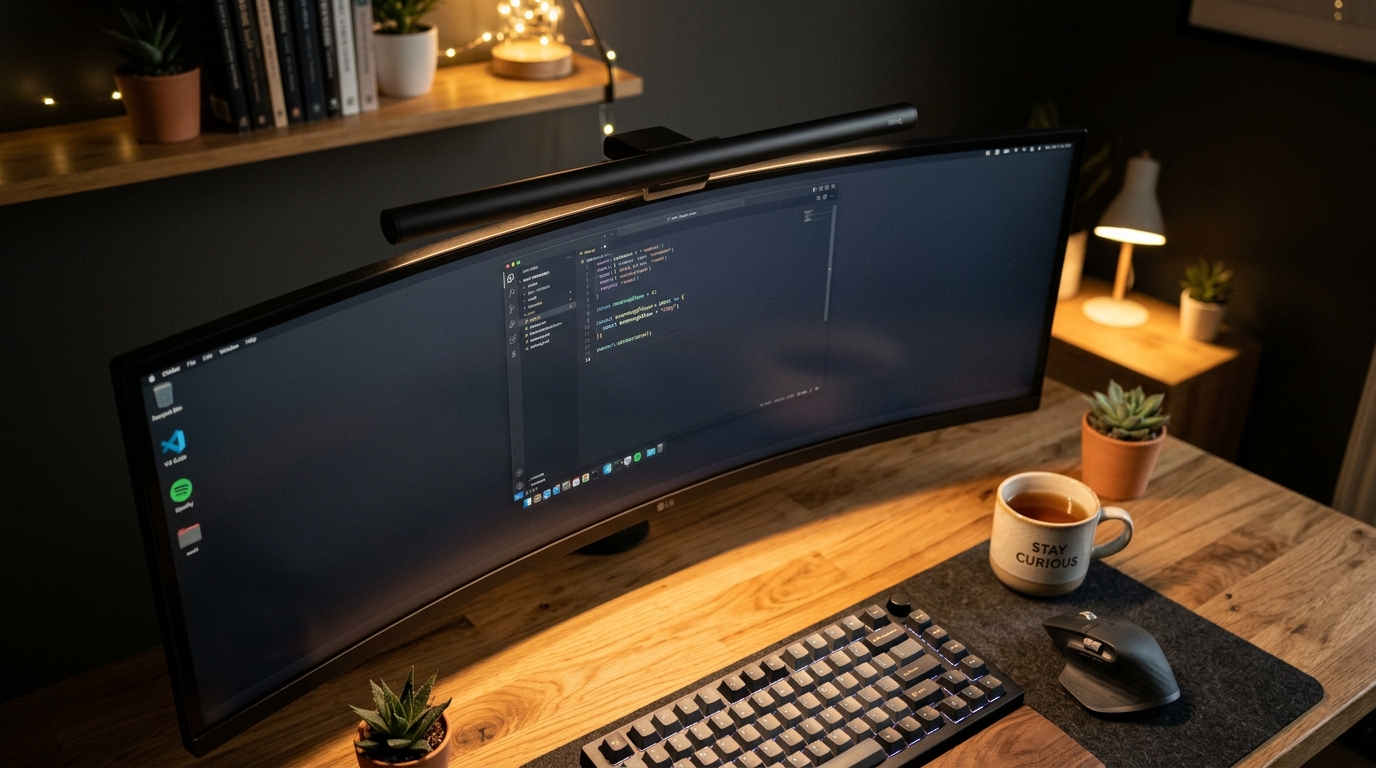
Traditional desk lamps take up valuable surface space and cast direct reflections on your screen that quickly strain your eyes during extended sessions.
An asymmetric monitor light bar clips directly on top of your monitor bezel. Its forward-angled optical lens casts warm or daylight illumination strictly downward onto your desk surface and keyboard—with zero glare on the monitor panel itself. It balances ambient contrast, reducing eye strain during late-evening working hours by over 40%.
4. Acoustic Linear Mechanical Keyboards (Tactile Flow)
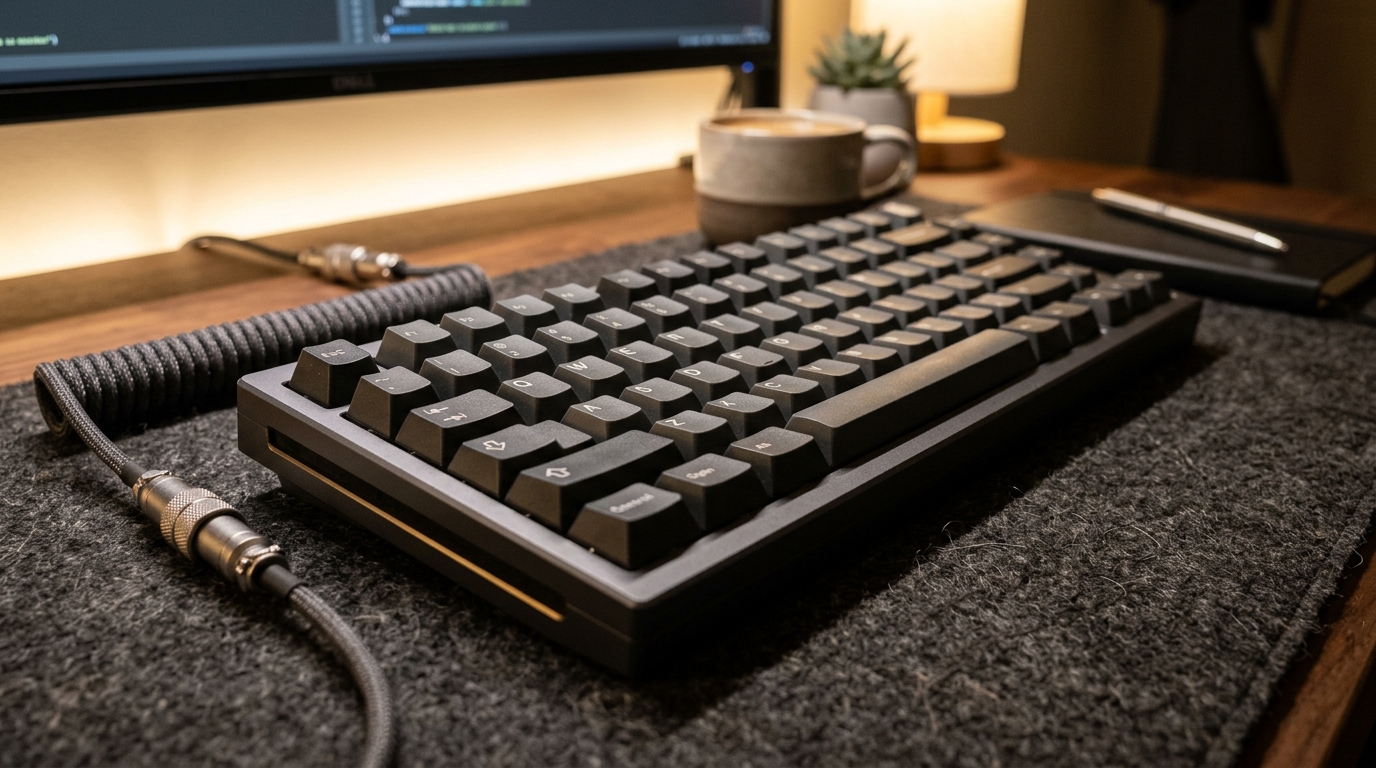
The era of loud, hollow mechanical keyboards annoying colleagues on calls or distracting family members is officially behind us.
The 2026 sweet spot for daily drivers is a gasket-mounted 75% mechanical keyboard equipped with factory-lubed linear switches and internal sound-dampening EVA foam. You get deep, satisfying, marbly keystrokes that make typing effortless and tactile while remaining whisper-quiet during video calls.
5. Ergonomic Vertical Productivity Mice
Keeping your forearm in an unnatural pronated (flat) position for eight hours a day is the leading cause of repetitive strain injury and wrist stiffness.
A contoured ergonomic mouse or 57° vertical design maintains a natural handshake posture, relieving tension across the forearm and carpal tunnel. Modern productivity mice also feature dedicated thumb scroll wheels for fluid horizontal navigation through wide spreadsheets, timelines, and multi-column documents.
6. GaN Multi-Port Desktop Fast Chargers
Say goodbye to having multiple bulky wall-wart adapters competing for sockets. Gallium Nitride (GaN) charging stations deliver high wattage from a compact desktop unit no larger than a deck of cards. A single desktop hub can simultaneously power your laptop, smartphone, wireless earbuds, and desk gadgets with intelligent dynamic wattage distribution.
7. Floating Gas-Spring Monitor Arms
Stock monitor stands consume massive amounts of desk depth and force you to slouch downward throughout the day. A gas-spring articulating arm frees up to 30% of usable desk surface directly beneath your screen and allows effortless fingertip adjustments so the top third of your display aligns precisely with your natural eye level.
- Clear Everything Off: Strip your desk completely bare and wipe down the surface.
- The "Rule of Three": Only return items you touch at least three times a day (screen, keyboard, mouse, water bottle). Everything else belongs stored away.
- Align Eye-Line: Prop your display so the top edge meets your eye level when sitting tall.